












Skip to navigation Skip to main content
Home > Blog > Most Common Diamond Blade Operator Errors (and How to Fix Them)
Diamond Blade Articles, blog

Most Common Diamond Blade Operator Errors (and How to Fix Them)

Most Common Diamond Blade Operator Errors (and How to Fix Them)

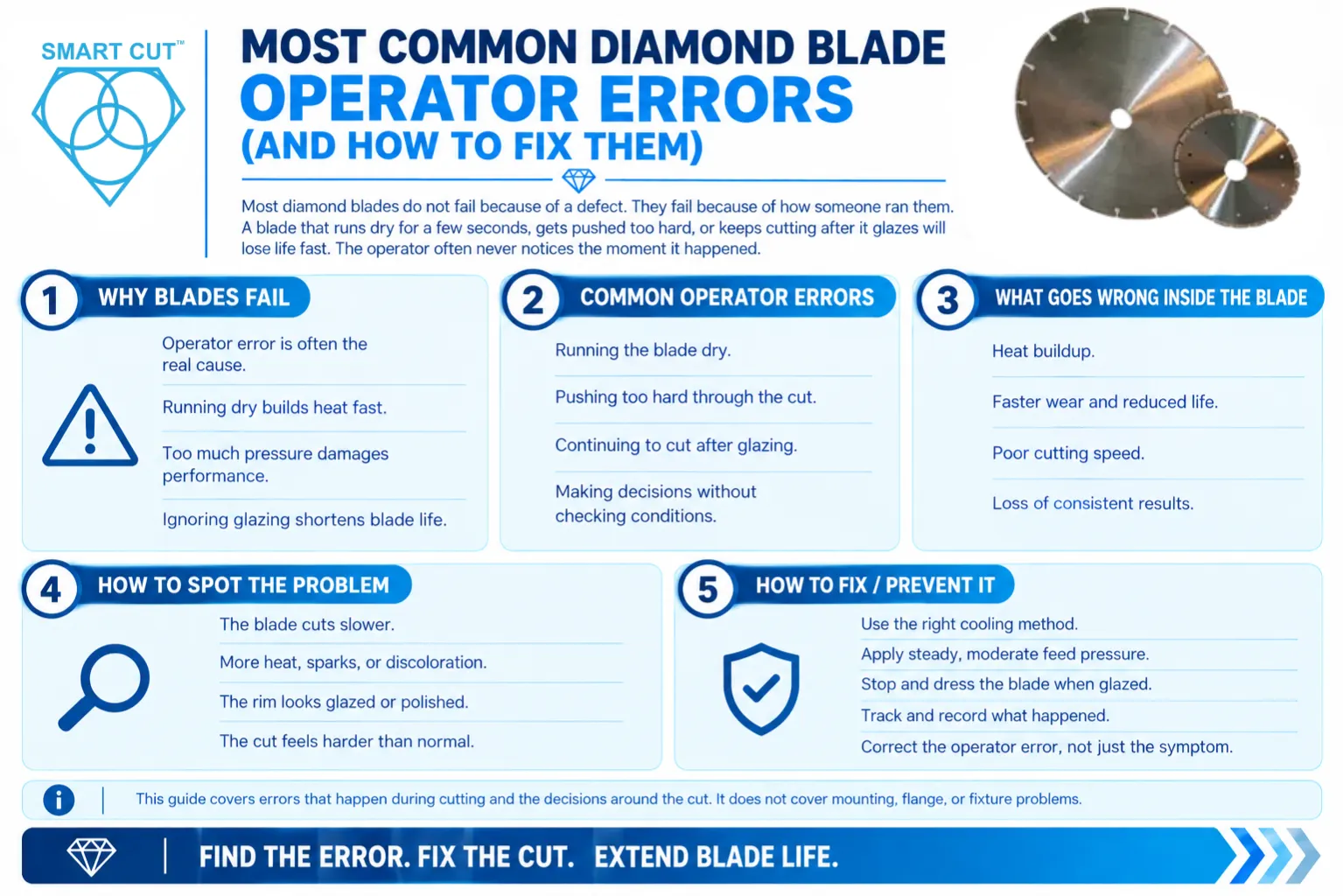
Most diamond blades do not fail because of a defect. They fail because of how someone ran them. A blade that runs dry for a few seconds, gets pushed too hard, or keeps cutting after it glazes will lose life fast. The operator often never notices the moment it happened.

This article lists the errors operators make most often during the cut. For each one, it explains what goes wrong inside the blade, how to spot it, and how to prevent it. The goal is practical: help you find the error behind a problem instead of blaming the blade.

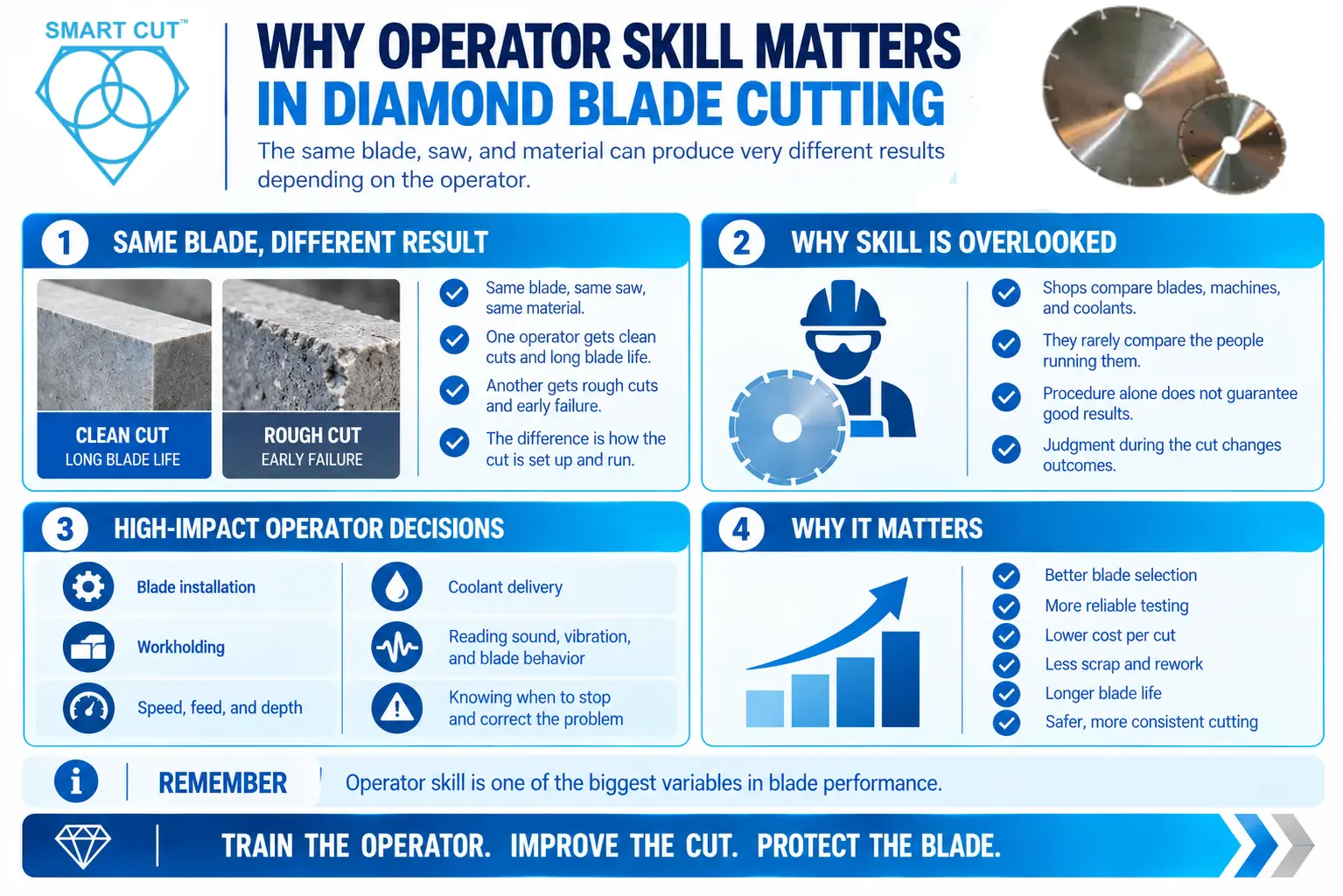
This article covers errors that happen while cutting and in the decisions around the cut. It does not cover mounting, flange, and fixture problems. Those belong to our setup-mistakes article. For why operator influence matters in the first place, see our operator skill article. For a structured program that prevents these errors, see our operator training guide.

Trusted by Tens of Thousands of Manufacturers, Laboratories Research Institutions Worldwide Since 1990

American Based Manufacturer

Established in 1990

Custom manufacturing

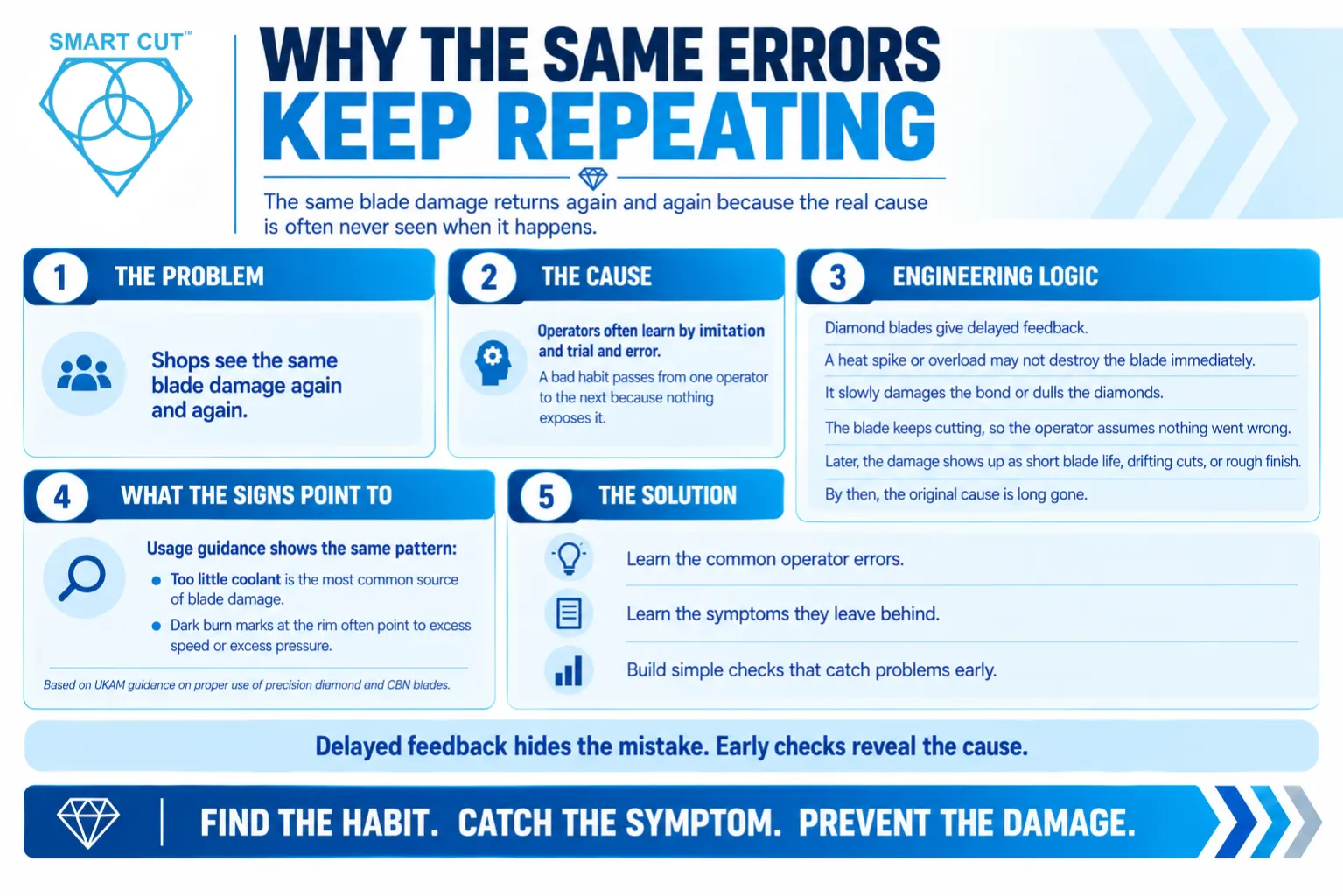
Why the Same Errors Keep Repeating

Why the Same Errors Keep Repeating​

Problem: Shops see the same blade damage again and again.

Cause: Operators learn by imitation and trial and error. A bad habit passes from one operator to the next because nothing exposes it.

Engineering logic: Diamond blades give delayed feedback. A heat spike or an overload does not destroy the blade on the spot. It damages the bond or dulls the diamonds a little. The blade keeps cutting, so the operator concludes that nothing went wrong. The damage only shows up later as short blade life, a drifting cut, or a rough finish. By then, the cause is long gone.

UKAM usage guidance points to the same pattern. It identifies cutting without enough coolant as the most frequent source of diamond blade damage, and it ties dark burn marks at the rim to excess speed or excess pressure. You can read the full guidance in our article on how to properly use precision diamond and CBN blades.

Solution: Learn the common errors, learn their symptoms, and build checks that catch them early.

Error 1: Running with Too Little Coolant

This is the most common error and one of the most damaging.

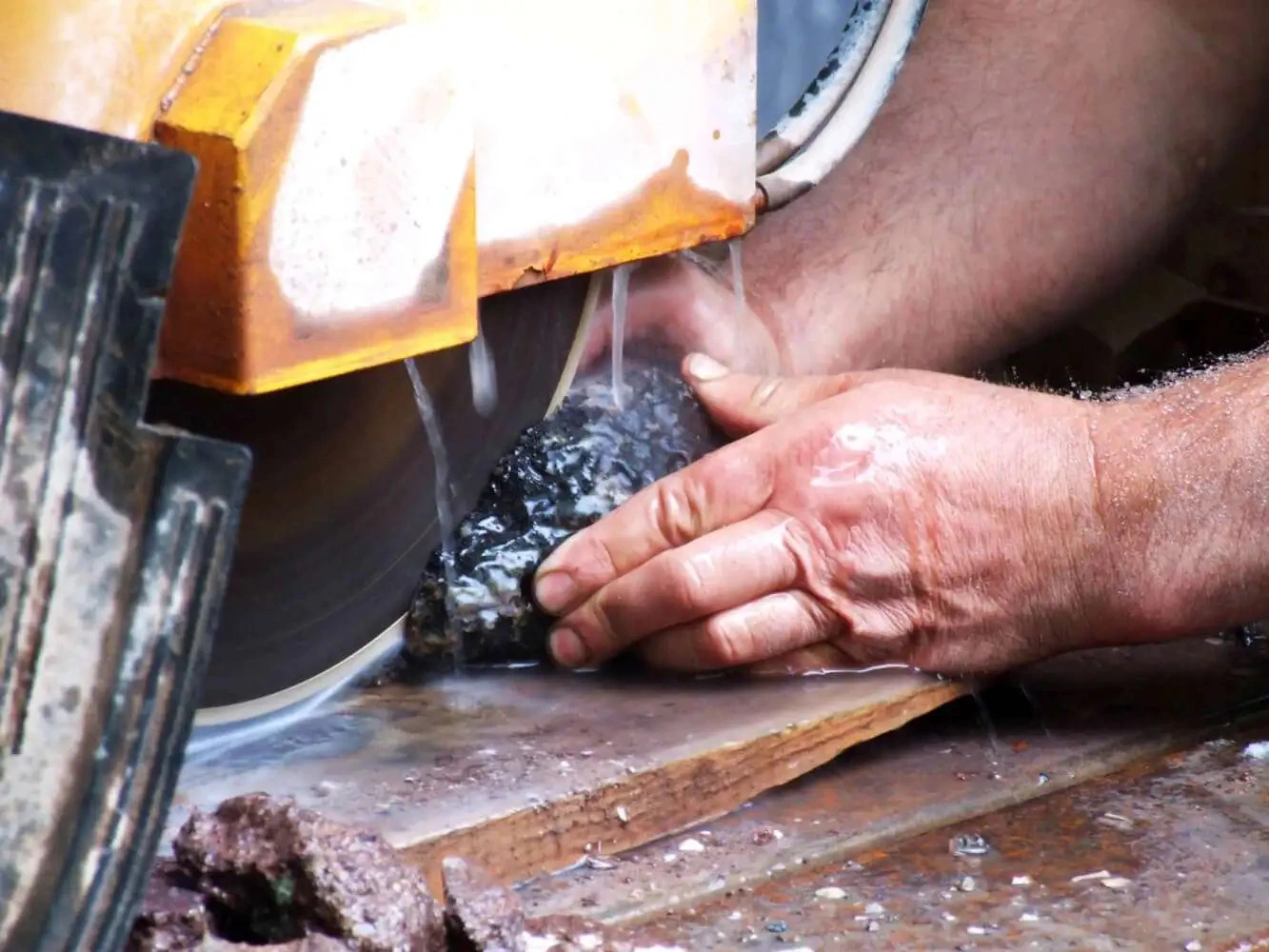
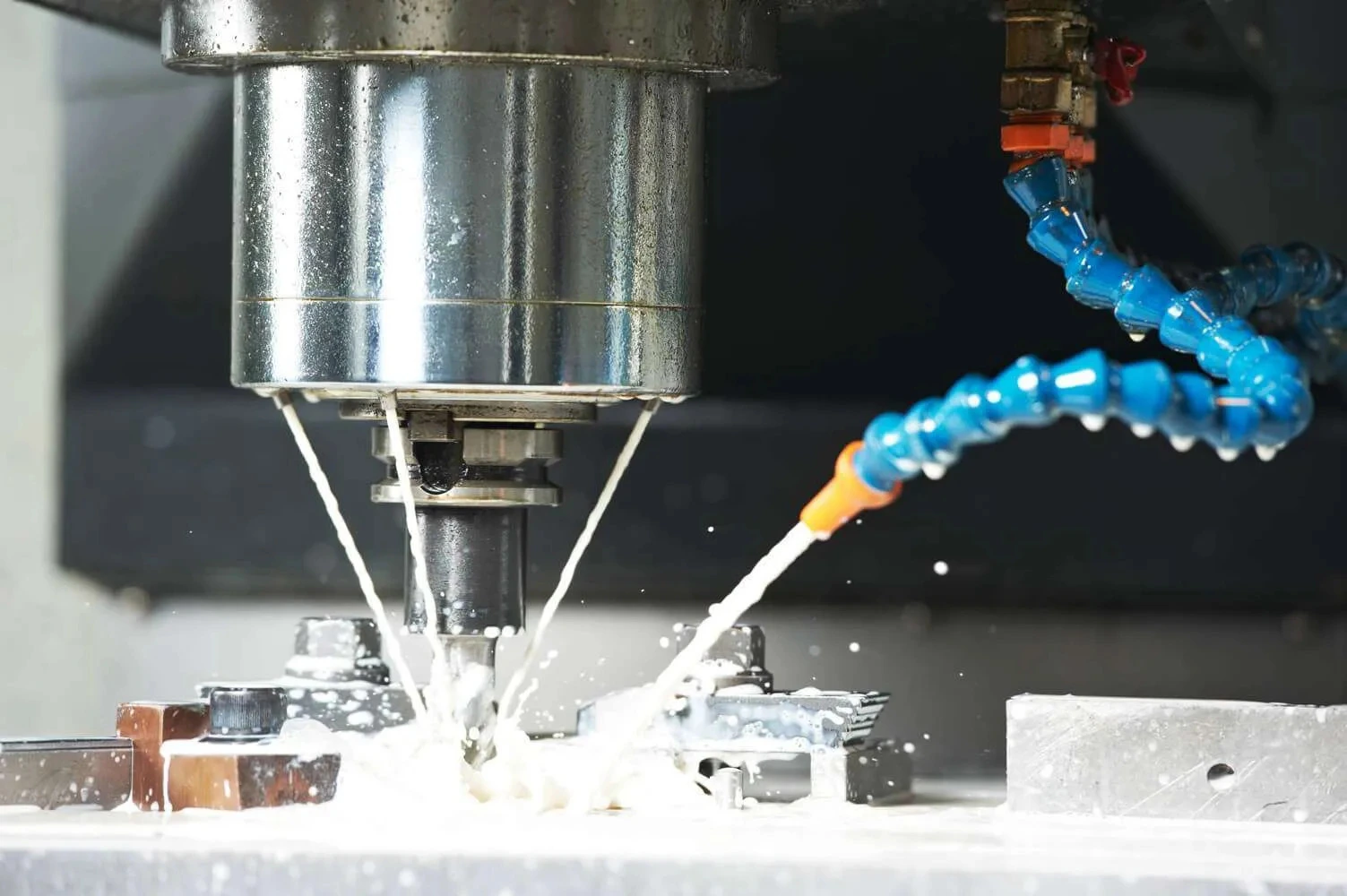
What happens: Coolant does two jobs. It removes heat from the rim, and it flushes swarf out of the kerf. With too little coolant, heat builds at the cut. The bond softens or degrades, diamonds loosen, and the workpiece can burn or crack from thermal stress.

Why operators do it: The coolant looks “on” at the source, but little reaches the cut. A clogged nozzle, a low reservoir, or a poorly aimed stream all cause this. Operators also start the blade before the coolant reaches full flow.

How to spot it: Look for burn marks on the material, discoloration at the rim, a steaming cut, and a blade that wears fast.

How to prevent it:

  • Confirm that coolant reaches the cut before the blade touches the material.
  • Check the reservoir level and nozzle aim at the start of each shift.
  • Never run a diamond blade dry.
  • Stop the cut the moment flow weakens.

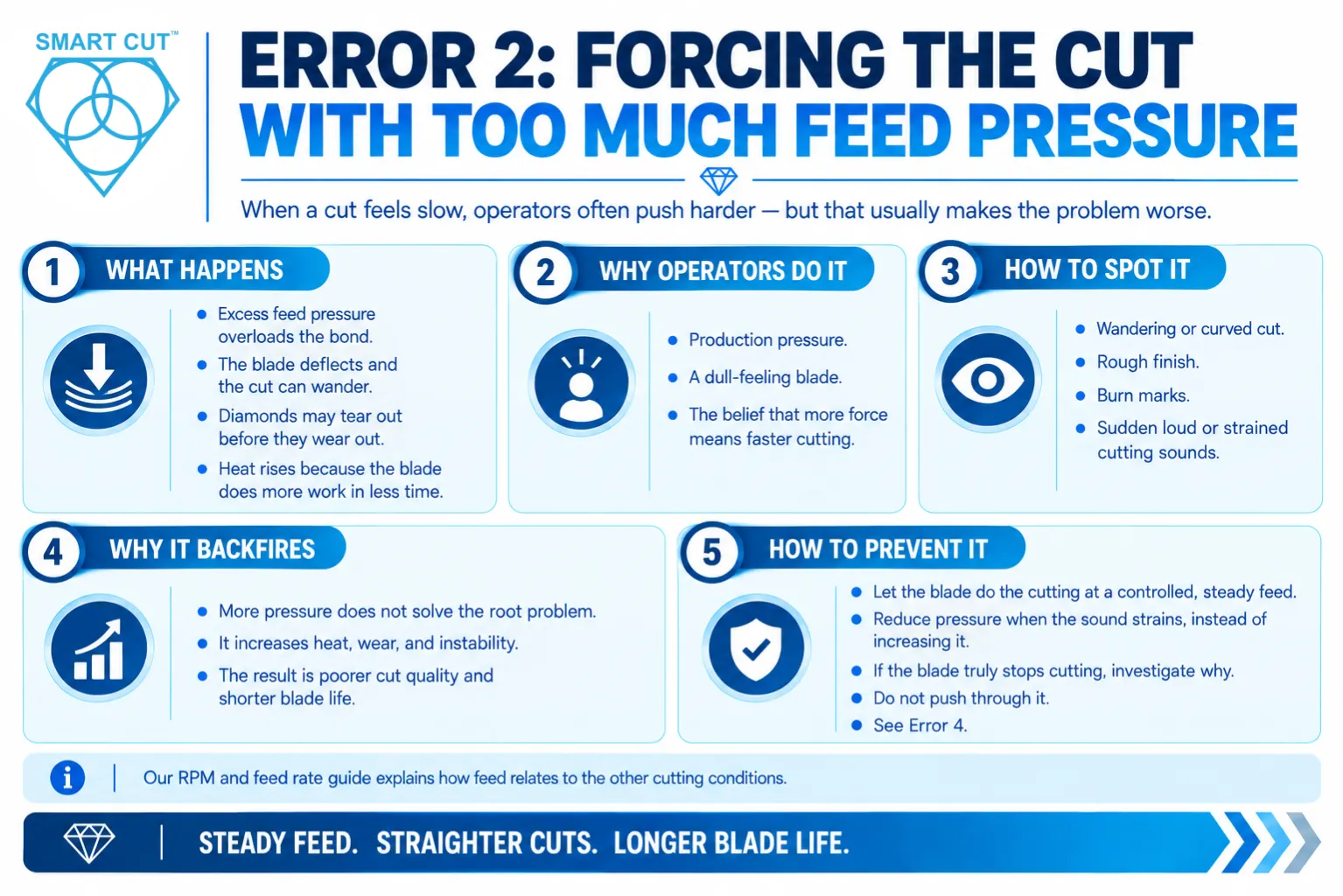
Error 2: Forcing the Cut with Too Much Feed Pressure

Error 2: Forcing the Cut with Too Much Feed Pressure

Operators often push harder when a cut feels slow. That instinct usually backfires.

What happens: Excess feed pressure overloads the bond. The blade deflects, the cut wanders, and diamonds can tear out of the bond before they wear out. Heat also rises because the blade does more work in less time.

Why operators do it: Production pressure, a dull-feeling blade, or a belief that more force means faster cutting.

How to spot it: Look for a wandering or curved cut, a rough finish, burn marks, and sudden loud or strained cutting sounds.

How to prevent it:

  • Let the blade do the cutting at a controlled, steady feed.
  • Reduce pressure when the sound strains, instead of increasing it.
  • If the blade truly stops cutting, investigate why. Do not push through it. See Error 4.

Our RPM and feed rate guide explains how feed relates to the other cutting conditions.

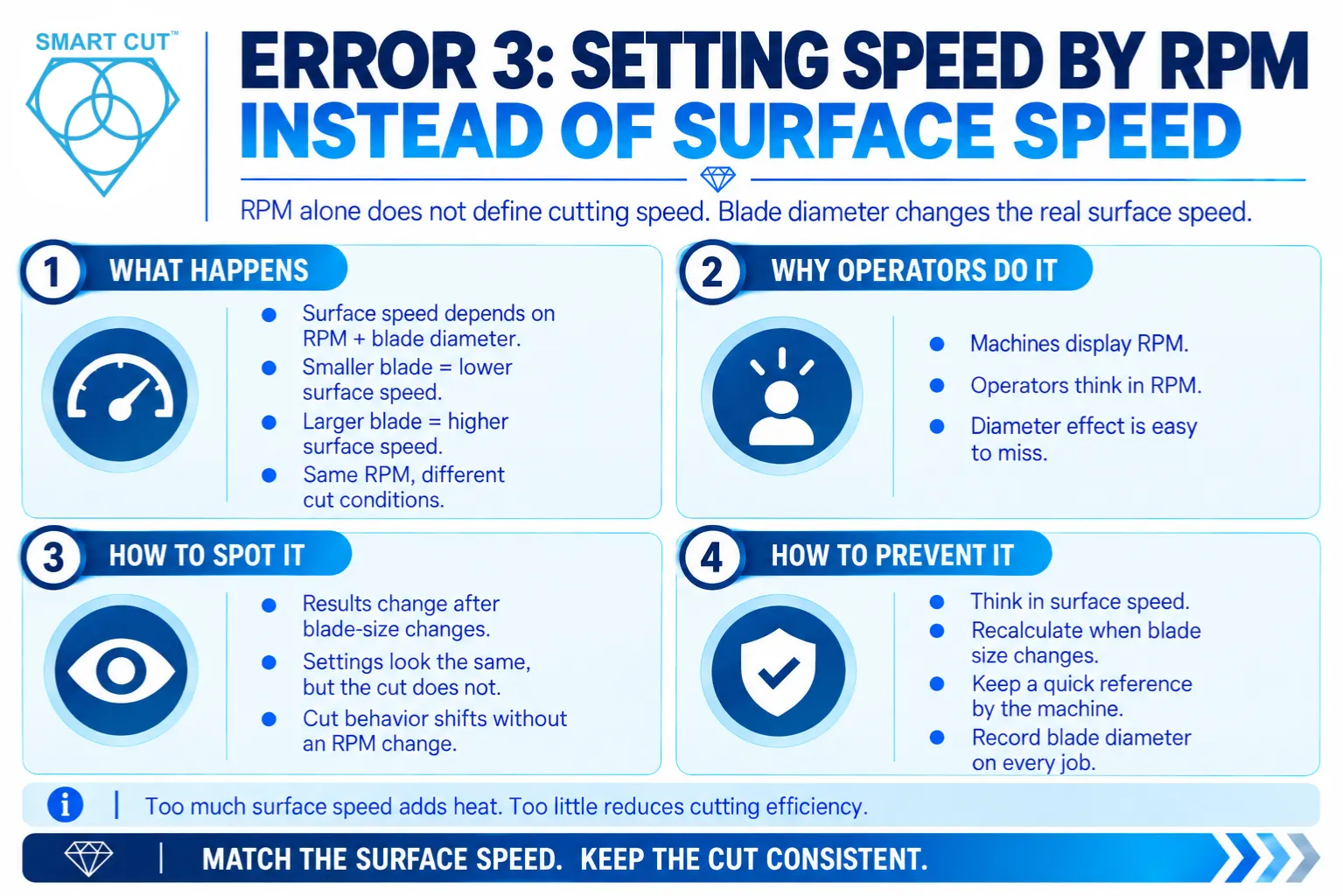
Error 3: Setting Speed by RPM Instead of Surface Speed

Error-3_-Setting-Speed-by-RPM-Instead-of-Surface-Speed

What happens: Surface speed depends on both RPM and blade diameter. The same RPM gives a lower surface speed on a smaller blade and a higher one on a larger blade. An operator who changes blade size but keeps the RPM unchanged also changes the cutting conditions without realizing it.

Too much surface speed raises heat and can burn the material. Too little changes how each diamond engages the material and can reduce cutting efficiency.

Why operators do it: The machine shows RPM, so operators think in RPM. The diameter effect stays invisible.

How to spot it: Look for results that change after a blade size change, even though “the settings were the same.”

How to prevent it:

  • Think in surface speed. Recalculate when the blade size changes.
  • Post a simple reference next to the machine.
  • Record the blade diameter with the settings on every job.

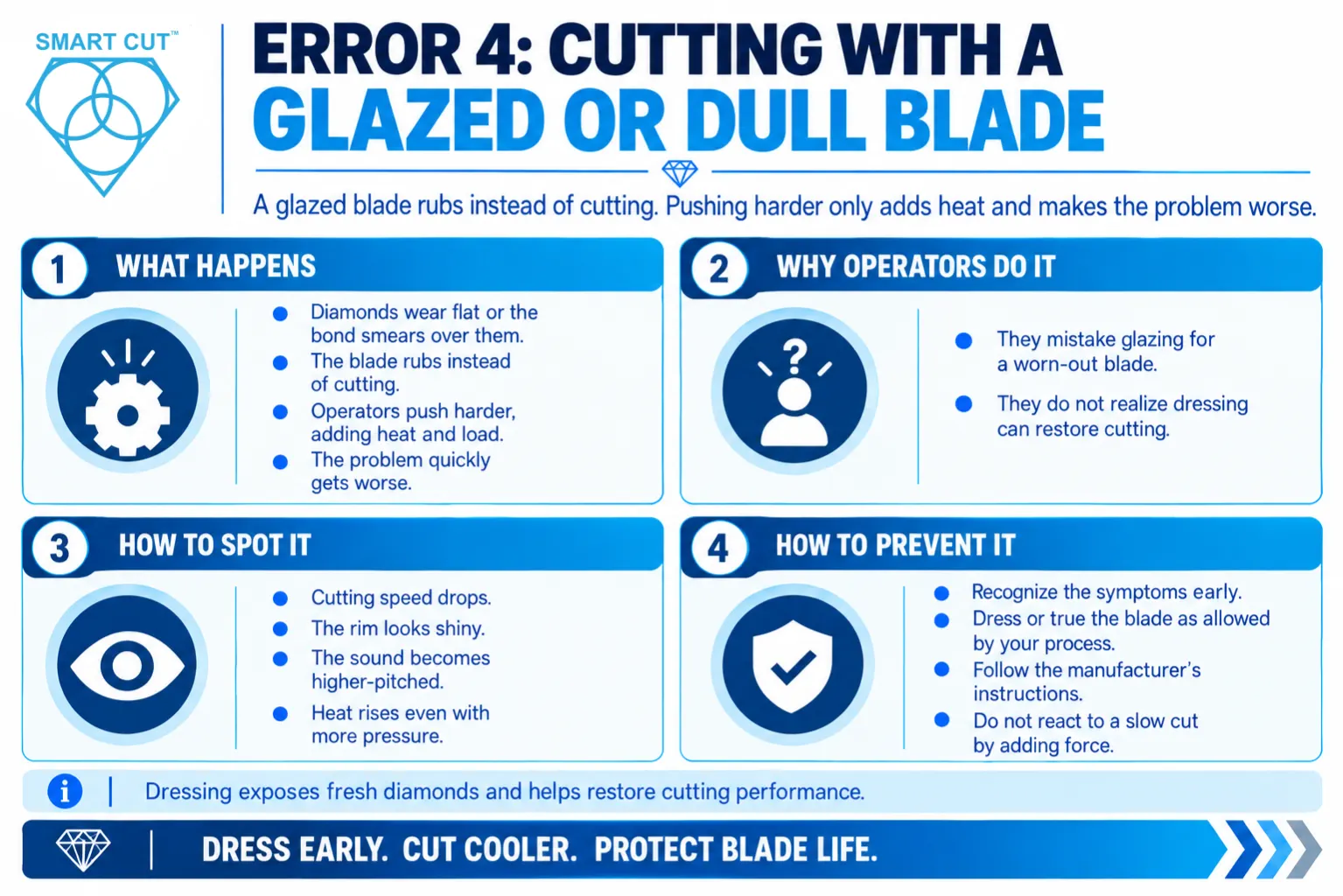
Error 4: Cutting with a Glazed or Dull Blade

Error 4: Cutting with a Glazed or Dull Blade

What happens: A blade can stop cutting freely when the diamonds wear flat or when the bond smears over the diamonds. This is often called glazing. The blade then rubs instead of cutting. Operators respond by pushing harder, which adds heat and load. The problem gets worse.

Why operators do it: They mistake a glazed blade for a worn-out one, or they do not know that dressing can restore it.

How to spot it: Look for a drop in cutting speed, a shiny rim, a higher-pitched sound, and rising heat despite higher pressure.

How to prevent it:

  • Recognize the symptoms early.
  • Dress or true the blade as your process allows, and follow the manufacturer’s instructions.
  • Do not respond to a slow cut by increasing force.

UKAM guidance explains that dressing causes diamonds to be pulled out from the rim so that fresh diamonds become exposed. Treat that guidance as the starting point for your dressing practice.

Error 5: Ignoring Warning Signs

What happens: The cut gives constant feedback. Sound, vibration, finish, and rim appearance all change before a failure. Operators who ignore these signals keep cutting while damage builds.

Why operators do it: They lack a baseline for a normal cut, they work under time pressure, or they fear stopping the job.

How to spot it: Look for operators who say a problem “just happened,” even though the signs appeared earlier.

How to prevent it:

  • Teach operators what a normal cut looks, sounds, and feels like on each machine.
  • Define clear stop conditions.
  • Make it safe to stop. Never penalize an operator for stopping early.

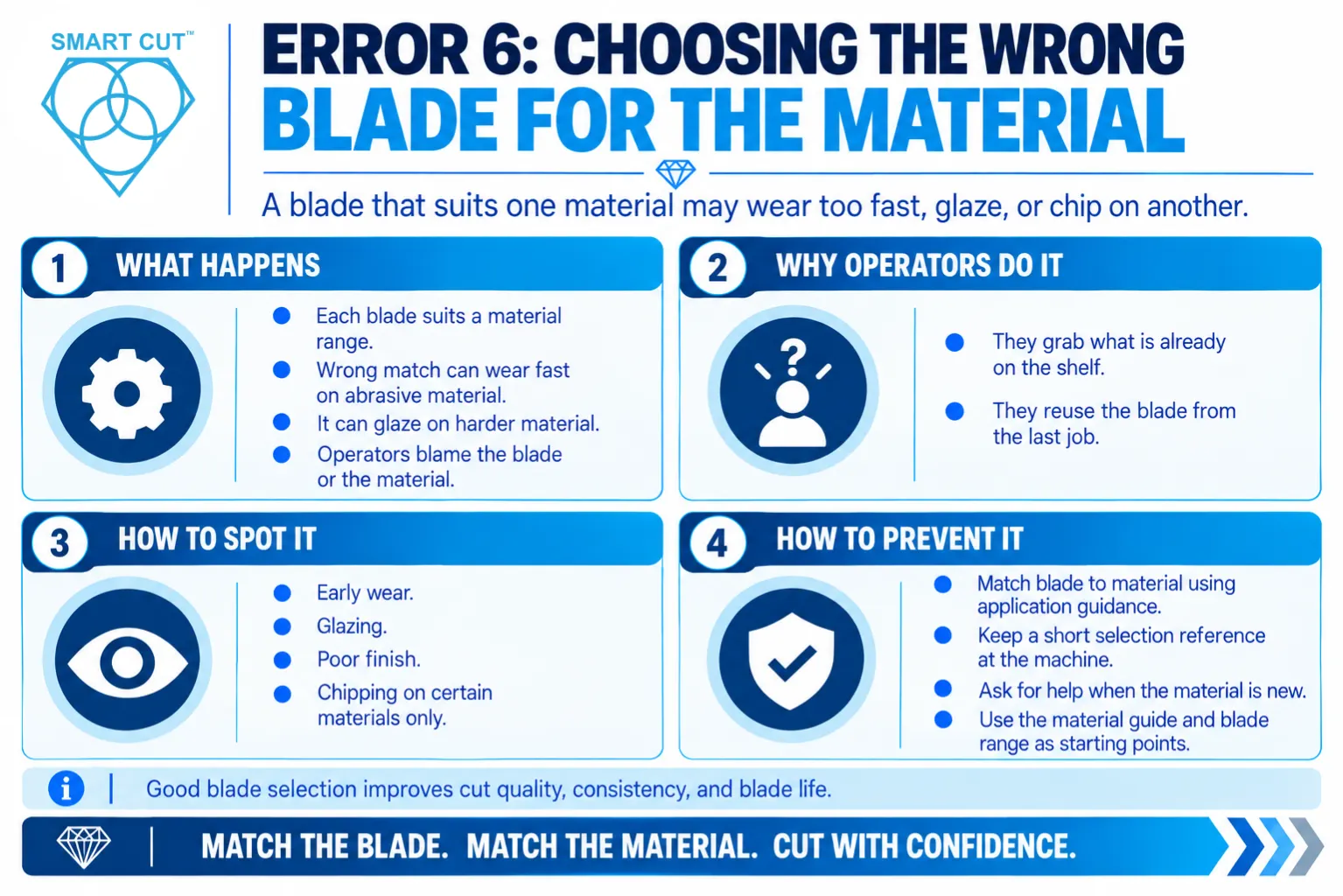
Error 6: Choosing the Wrong Blade for the Material

Error-6_-Choosing-the-Wrong-Blade-for-the-Material

What happens: Each blade specification suits a range of materials. A blade that works well on one material can wear too fast on an abrasive material, or glaze on a hard one. Operators then blame the blade or the material.

Why operators do it: They reach for the blade already on the shelf or the one they used last time.

How to spot it: Look for early wear, glazing, poor finish, or chipping that appears only on certain materials.

How to prevent it:

  • Match blade to material using the application guidance. Start with our material guide.
  • Keep a short selection reference at the machine.
  • Ask for help when the material is new. The diamond and CBN blade range and the UKAM team can help you match a blade to the application.

Error 7: Changing Conditions Mid-Cut Without Control

What happens: Operators sometimes pause, back out, or change feed in the middle of a cut. A blade that stops in the kerf can pinch, bind, or chip when it restarts. Sudden changes in load also stress the bond.

Why operators do it: They stop to check the cut, adjust the workpiece, or respond to a distraction.

How to spot it: Look for chipped rims, bound blades, and a step or ridge in the cut where the pause occurred.

How to prevent it:

  • Plan the cut before starting it.
  • Keep the feed steady through the kerf.
  • Withdraw the blade properly before stopping, and follow the machine’s stop sequence.

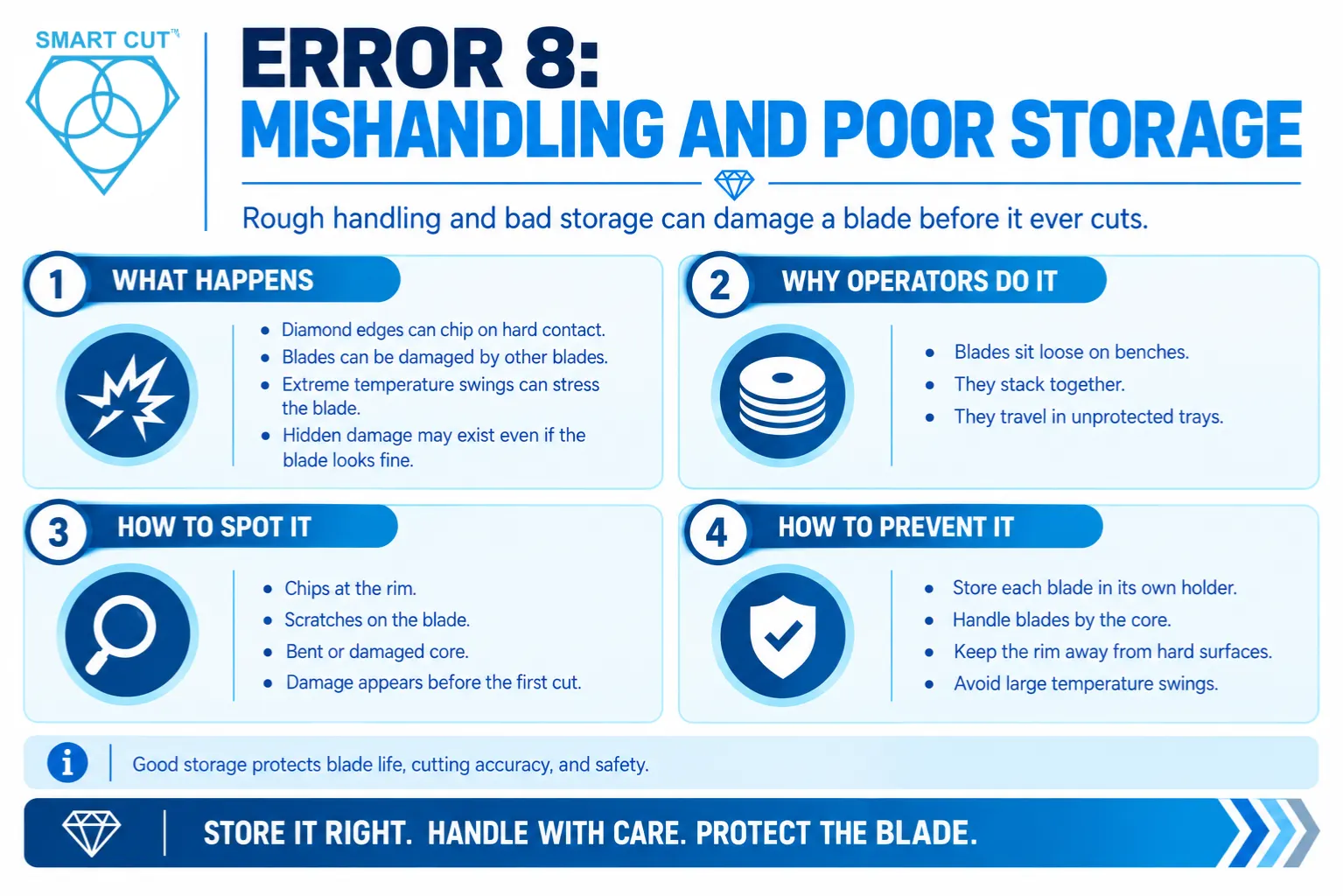
Error 8: Mishandling and Poor Storage

Error 8: Mishandling and Poor Storage

What happens: Diamond edges chip when they contact hard surfaces or other blades. Extreme temperature swings can also stress a blade. A blade that looks fine can carry hidden damage from rough handling.

Why operators do it: Blades sit loose on benches, stack together, or travel in unprotected trays.

How to spot it: Look for chips, scratches, or bent cores that appear before the blade ever cuts.

How to prevent it:

  • Store each blade in its own protective holder.
  • Handle blades by the core, away from the rim.
  • Keep blades away from hard surfaces and from large temperature swings.

For more on blade handling, see UKAM’s guide on how to properly use diamond lapidary blades, which covers handling and storage in detail.

Error 9: Skipping Records

What happens: Without records, nobody can trace a problem. The shop cannot tell whether blade life changed because of the blade, the material, or the process.

Why operators do it: Logging feels like paperwork, and nobody explains how the data gets used.

How to spot it: Look for jobs with no settings recorded, and for arguments about “what we did last time.”

How to prevent it:

  • Keep the log short and relevant: blade, material, settings, observations, and any abnormal events.
  • Show operators how the data helps them.
  • Review the logs regularly, so recording feels worthwhile.

Error 10: Overriding Safety and Stop Rules

What happens: Operators bypass guards, skip protective equipment, or keep cutting after something looks wrong. This error carries the highest risk because it endangers people as well as blades.

Why operators do it: Time pressure, habit, and a sense that “nothing has gone wrong yet.”

How to prevent it:

  • Follow the equipment manufacturer’s safety instructions at all times.
  • Test guards and stops as part of routine checks.
  • Treat any bypass as a serious issue, not a shortcut.

Quick Reference: Symptom to Likely Error

Use this table to work backward from what you see. It lists likely causes, not certainties. Always confirm by checking the process.

What you see Likely operator error
Burn marks on material or rim Too little coolant, too much speed, or too much pressure
Wandering or curved cut Excess feed pressure, or a glazed blade
Slow cut and shiny rim Glazed blade left undressed
Results change after a blade size change Speed set by RPM instead of surface speed
Early wear on one material only Wrong blade for that material
Chipped rim before or after a pause Mid-cut stop or restart, or rough handling
Unexplained changes in blade life Missing records, or inconsistent practice between operators

How to Find the Error Behind a Problem

When blade life drops, or a cut goes wrong, work through these steps in order.

  1. Stop and inspect. Look at the blade and the workpiece before changing anything.
  2. Check the coolant first. It is the most frequent cause.
  3. Review feed and speed. Confirm that both match the blade and material.
  4. Check blade condition. Look for glazing, chipping, or uneven wear.
  5. Ask what changed. A new blade, material, operator, or machine often explains a sudden shift.
  6. Compare across operators. If one operator gets different results, find out what they do differently.
  7. Fix the practice, not just the symptom. Update the standard so the fix lasts.

Preventing Errors Instead of Chasing Them

Preventing-Errors-Instead-of-Chasing-Them

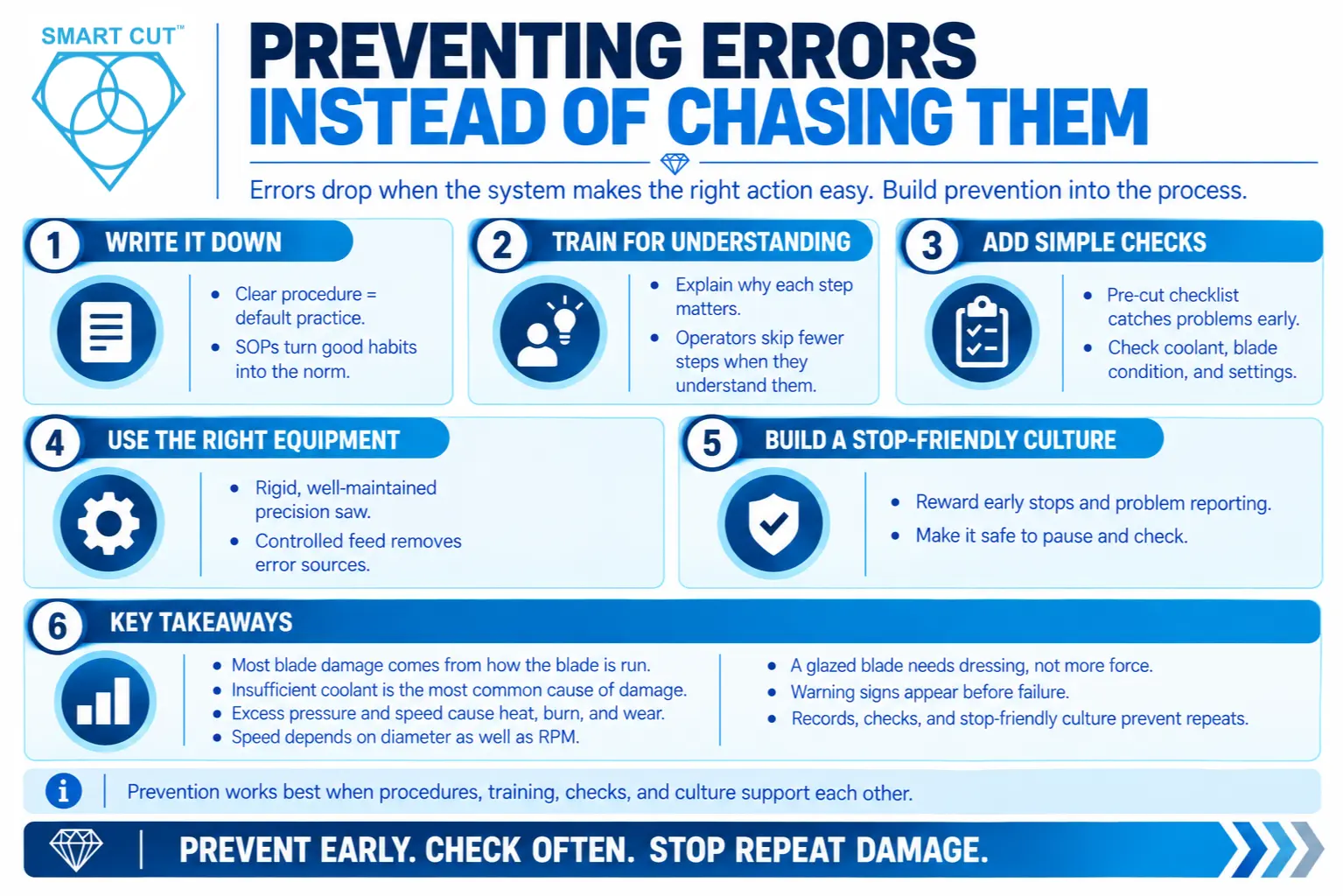
Errors drop when the system makes the right action easy. Use these approaches.

Write it down. A clear procedure turns good practice into the default. Our upcoming articles on SOPs cover how.

Train for understanding. Operators who know why a step matters skip it less often.

Add simple checks. A pre-cut checklist for coolant, blade condition, and settings catches most of the errors above.

Use the right equipment. A rigid, well-maintained precision saw with controlled feed removes several error sources from the start.

Build a stop-friendly culture. Reward operators who stop early and report problems.

Key Takeaways

  • Most blade damage comes from how the blade was run, not from the blade itself.
  • Insufficient coolant is the most frequent source of damage. Never run a blade dry.
  • Excess feed pressure and excess speed cause burning, deflection, and early wear.
  • Speed depends on diameter as well as RPM. Think in surface speed.
  • A glazed blade needs dressing, not more force.
  • Warning signs appear before failures. Teach operators to read them.
  • Records, checks, and a stop-friendly culture prevent repeat errors.

Frequently Asked Questions

Running with too little coolant is the most frequent cause of blade damage.

Extra force overloads the bond and adds heat, which damages the blade further.

They point to excess speed or excess pressure during the cut.

No, because even brief dry cutting can damage the bond.

It cuts slowly, looks shiny at the rim, and runs hotter despite more pressure.

No, because dressing can often restore cutting action when the blade is glazed.

Surface speed depends on diameter as well as RPM.

Contact with hard surfaces or other blades during handling and storage often causes it.

Yes, because early stops limit damage and cost far less than continued cutting.

Compare results for the same blade and material across several operators.

Yes, because errors add variation that can hide real blade differences.

Use clear procedures, training with competency checks, simple pre-cut checklists, and a stop-friendly culture.

Stopping inside the kerf can pinch or chip the blade, so withdraw it properly first.

Yes, but they form a separate group covered in our setup-mistakes article.

Conclusion

Operator errors share a pattern. They look small, they give delayed feedback, and they repeat because nothing exposes them. Coolant lapses, excess pressure, wrong speed settings, glazed blades left undressed, and ignored warning signs account for a large share of avoidable blade damage.

You can stop most of them. Teach operators what a normal cut looks like, define clear stop conditions, keep short records, and use simple pre-cut checks. Then, when a problem appears, work backward from the symptom instead of blaming the blade.

If you want help matching a blade to your material and process, request a consultation with the UKAM team, or explore the diamond and CBN wafering and cut-off blades.

Trusted by Tens of Thousands of Manufacturers, Laboratories,
Research Institutions Worldwide Since 1990

American Based Manufacturer

Established in 1990

Custom manufacturing

RELATED ARTICLES

Brian is an experienced professional in the field of precision cutting tools, with over 27 years of experience in technical support. Over the years, he has helped engineers, manufacturers, researchers, and contractors find the right solutions for working with advanced and hard-to-cut materials. He’s passionate about bridging technical knowledge with real-world applications to improve efficiency and accuracy.

As an author, Brian Farberov writes extensively on diamond tool design, application engineering, return on investment strategies, and process optimization, combining technical depth with a strong understanding of customer needs and market dynamics.

author-avatar

About Brian Farberov

Brian is an experienced professional in the field of precision cutting tools, with over 27 years of experience in technical support. Over the years, he has helped engineers, manufacturers, researchers, and contractors find the right solutions for working with advanced and hard-to-cut materials. He’s passionate about bridging technical knowledge with real-world applications to improve efficiency and accuracy. As an author, Brian Farberov writes extensively on diamond tool design, application engineering, return on investment strategies, and process optimization, combining technical depth with a strong understanding of customer needs and market dynamics.

Download Checklist

Please fill in your details to download the Precision Diamond Saw Pre-Operation Checklist.